Week 2
This week I started my graduation head start by diving into Processing through The Coding Train tutorials (chapters 1–6). I explored how visual sketches are built with code by practicing shapes, color, transparency, and the difference between setup() and draw(). I experimented with mouse interaction (mouse vs pmouse), randomness, and basic logic like if-statements, my own variables (int/float), booleans as an on/off switch, simple motion (a bouncing ball), and loops to generate a grid with adjustable spacing. Alongside that, I began researching generative branding and started reading Code Crafted to understand how creative coding experimentation can later evolve into structured, recognizable brand systems.
Category:
Processing Tutorial
Week:
2
author:
Renske Mutsaars
Location:
Rotterdam
Date:
Introduction to processing
This week I started making my head start on my graduation project. The first thing I wanted to do was dive into Processing and understand this language. It feels like the most obvious beginner-friendly way to start designing visually with code. My goal isn’t to become a programmer, but to build a foundation in creative coding so I can sketch inside code, experiment freely, and eventually build systems again.
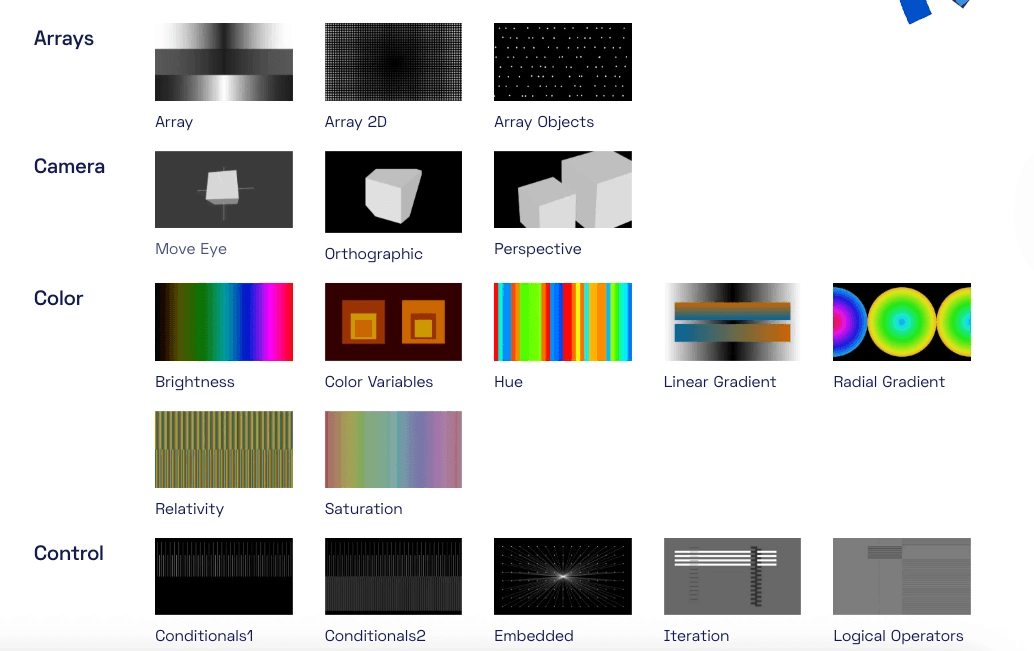
Learning Processing felt accessible because it’s a simple program where you can start sketching immediately and you see results the moment you press the play button. There are also so many examples, and a lot of them already look like visual systems. Things that immediately attracted me were the use of color variables, gradients, and visual patterns that already feel like “identity language.” I haven’t studied the code behind those examples yet, but I already feel like they’ll be valuable reference points later.
I also noticed that Processing isn’t only useful on your own screen. It can be used for large installations, like video walls, because the code can react to what’s happening in real time, like movement, performance, and interaction. That made me realize it’s more than drawing with code. I started imagining how this could work in a museum context: when a visitor interacts with the museum’s identity, something could actually happen in the space. And the interesting part is that it doesn’t have to stay in the hands of designers. Suddenly anyone can interact with the identity and shape it through their behavior.
I also saw examples where data is used to visualize something. You could use this to make statements, for example by pulling certain Twitter arguments and turning them into a visual chart or system. There are so many possibilities. It’s not just about the aesthetics; there’s also a layer underneath that can communicate something.
Most of these ideas came from the introduction video of The Coding Train. He also mentioned the website Printing Code, where the relationship between graphic design and code is explained. I wrote that down as a relevant source to look into soon.
Finding books for this project
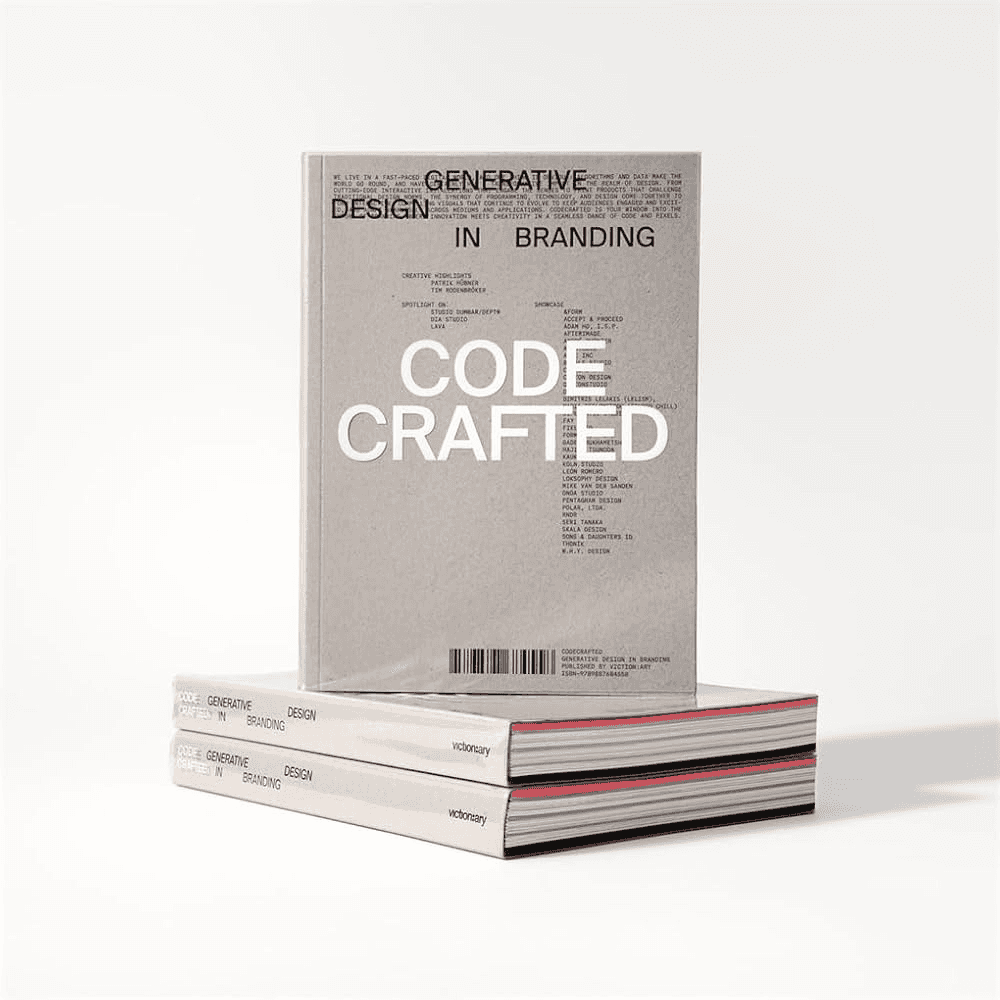
Besides Processing itself, I also did some research into books that could help me with my graduation project. I reserved a few books at the library, and I also ordered a book that had been on my list for a while, one that is specifically about generative design in branding. That’s exactly the direction I want my project to go. The book is called Code Crafted, and it includes studios that I really connect with, like Studio Dumbar and Lava, studios I also mentioned earlier in my pre-research as examples. In this book, Patrick Hübner, a generative designer, explains the difference between creative coding and generative branding. Creative coding is very free, open, and messy: you create rules, the machine can surprise you, and “mistakes” can become a path to something new, sometimes even something unexpectedly beautiful. It’s very process-focused. But with generative branding, it can’t just be random, because it has to fit the brand, remain recognizable, and carry meaning. Even when it transforms, it still needs to stay connected to the brand. That’s why I think it makes sense for me to start with creative coding first, and then eventually move towards generative branding. By starting with creative coding, I give myself space to make mistakes, explore, and experiment a lot. And then later, from those experiments, I can start building stronger rules and turn it into something more solid and brand-like. The book also contains really strong examples of generative branding projects and other generative work, but I decided it’s better not to read it all in one go. I want to continue with it next week, so next week I’ll write more about the book. This week I also flew through the Coding Train tutorials because I’m genuinely excited to get going. I managed to finish chapters 1 through 6 and did a bunch of tests.
What I learned from the tutorials this week
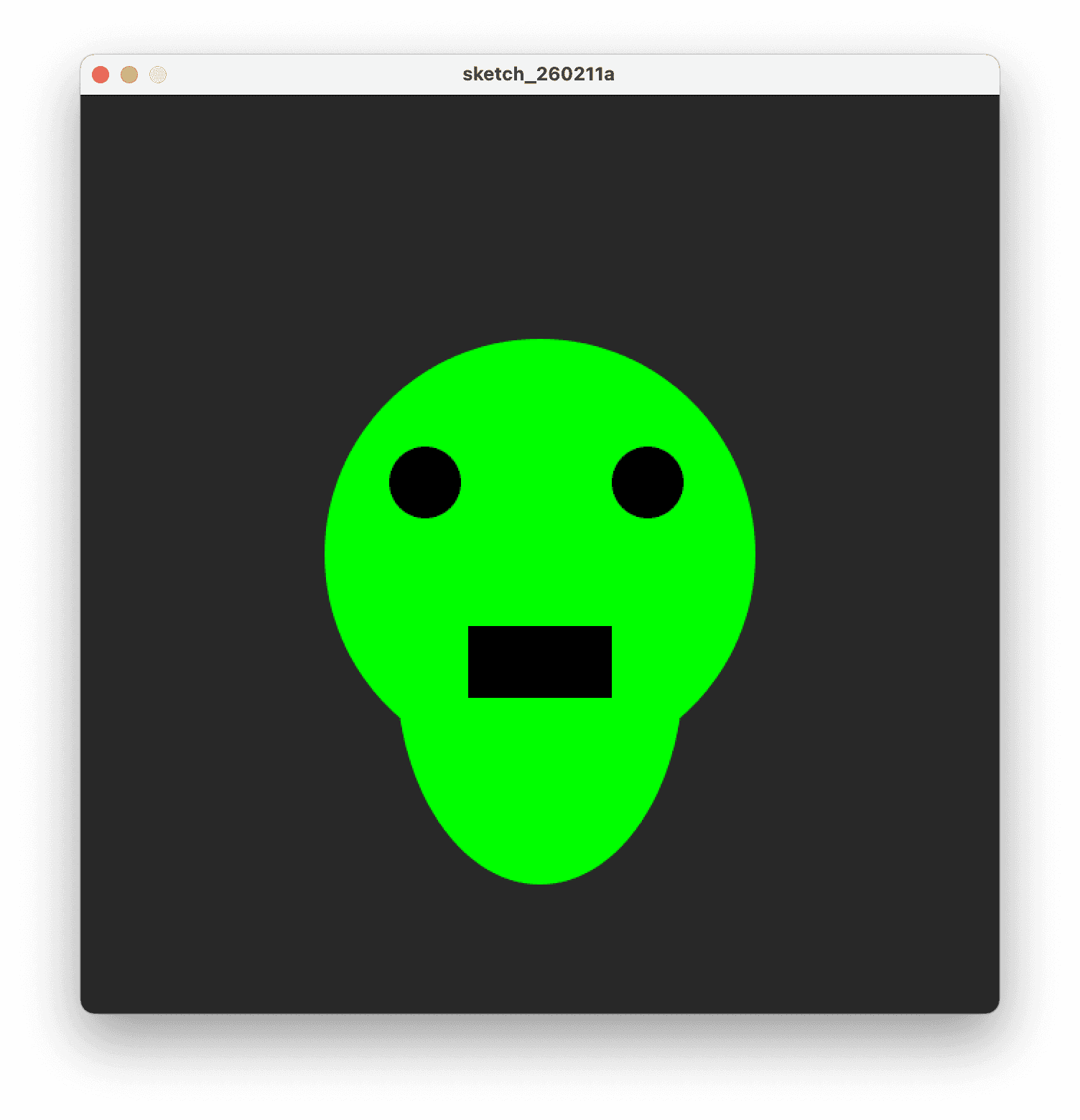
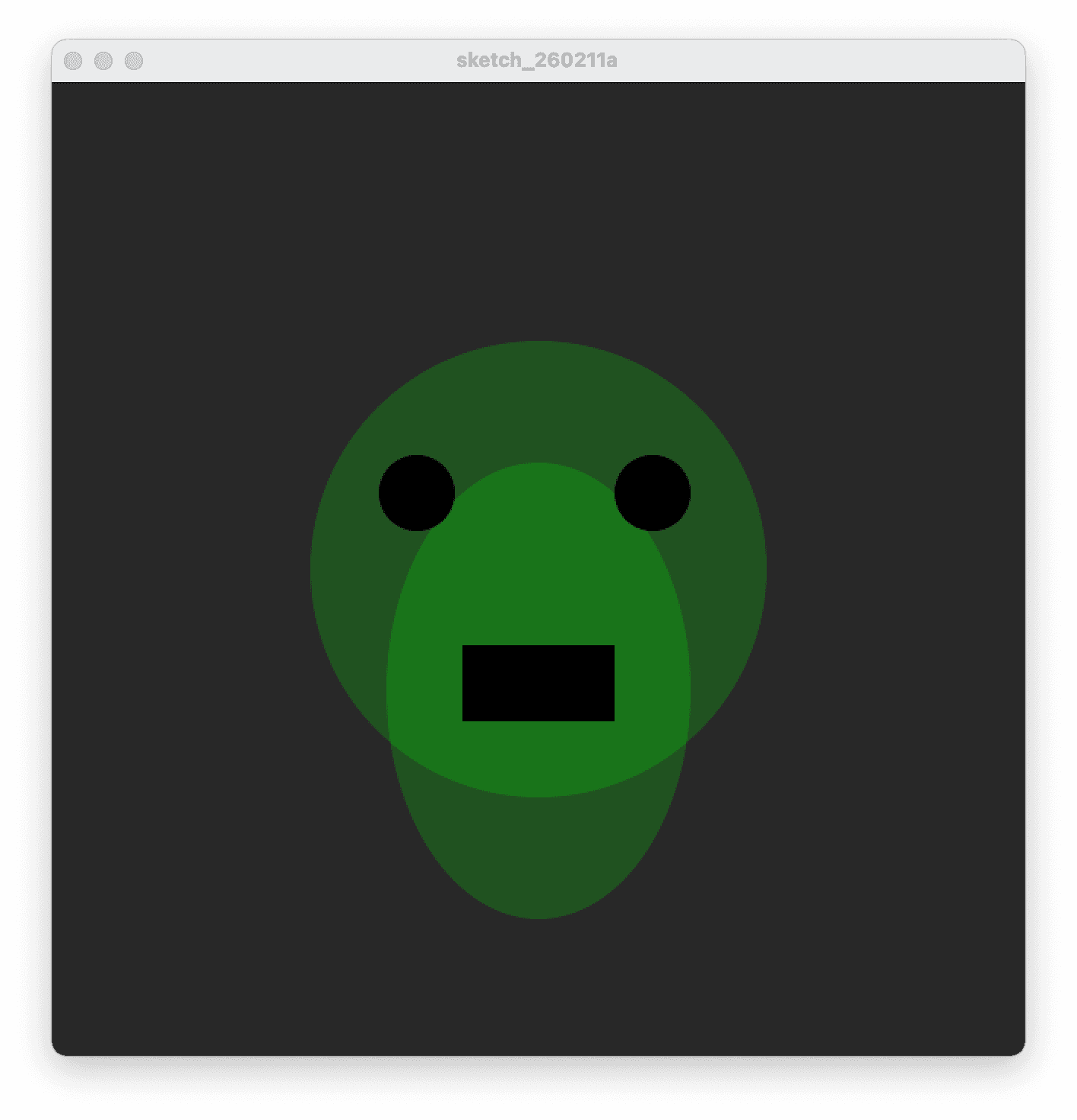
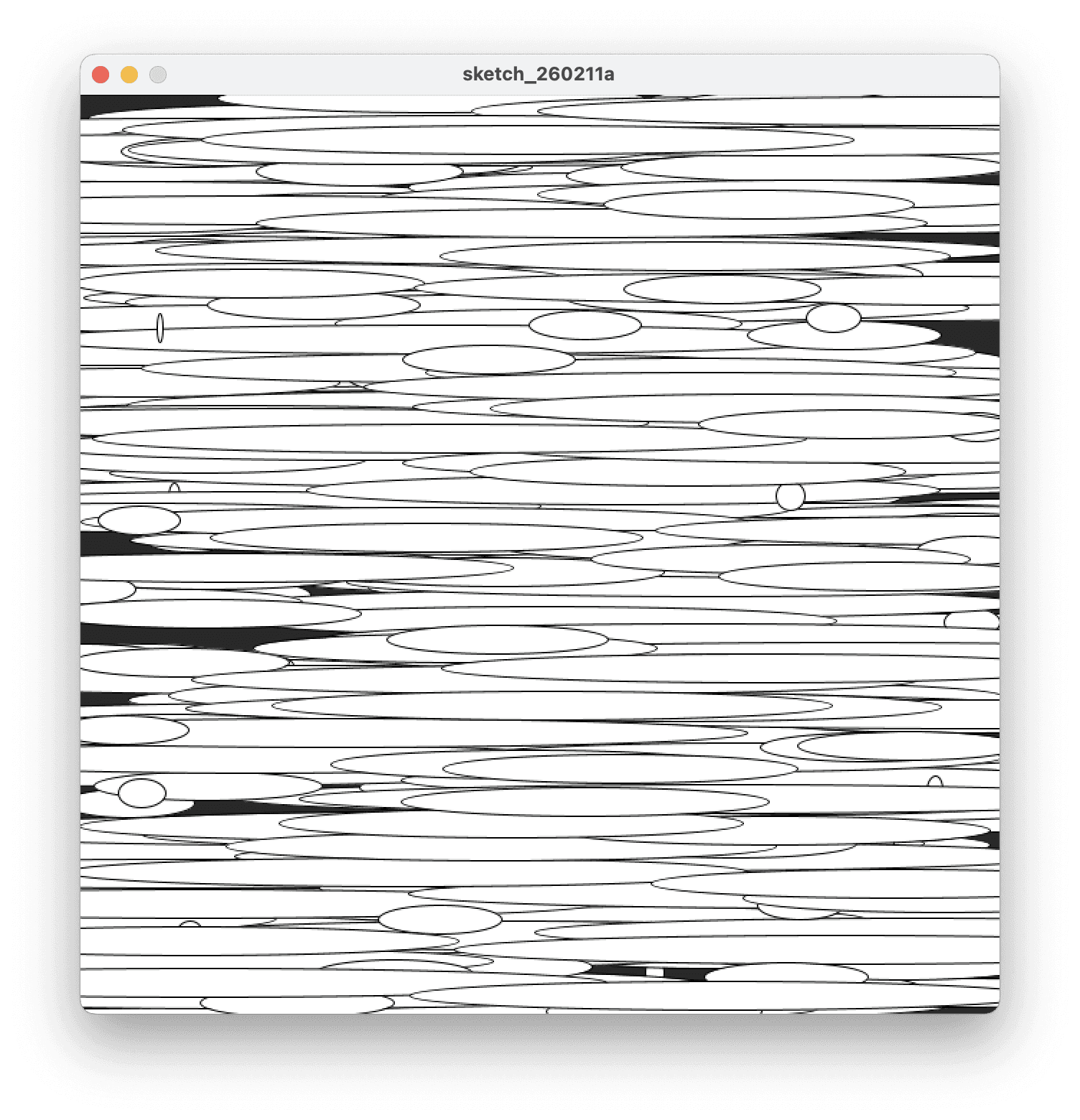
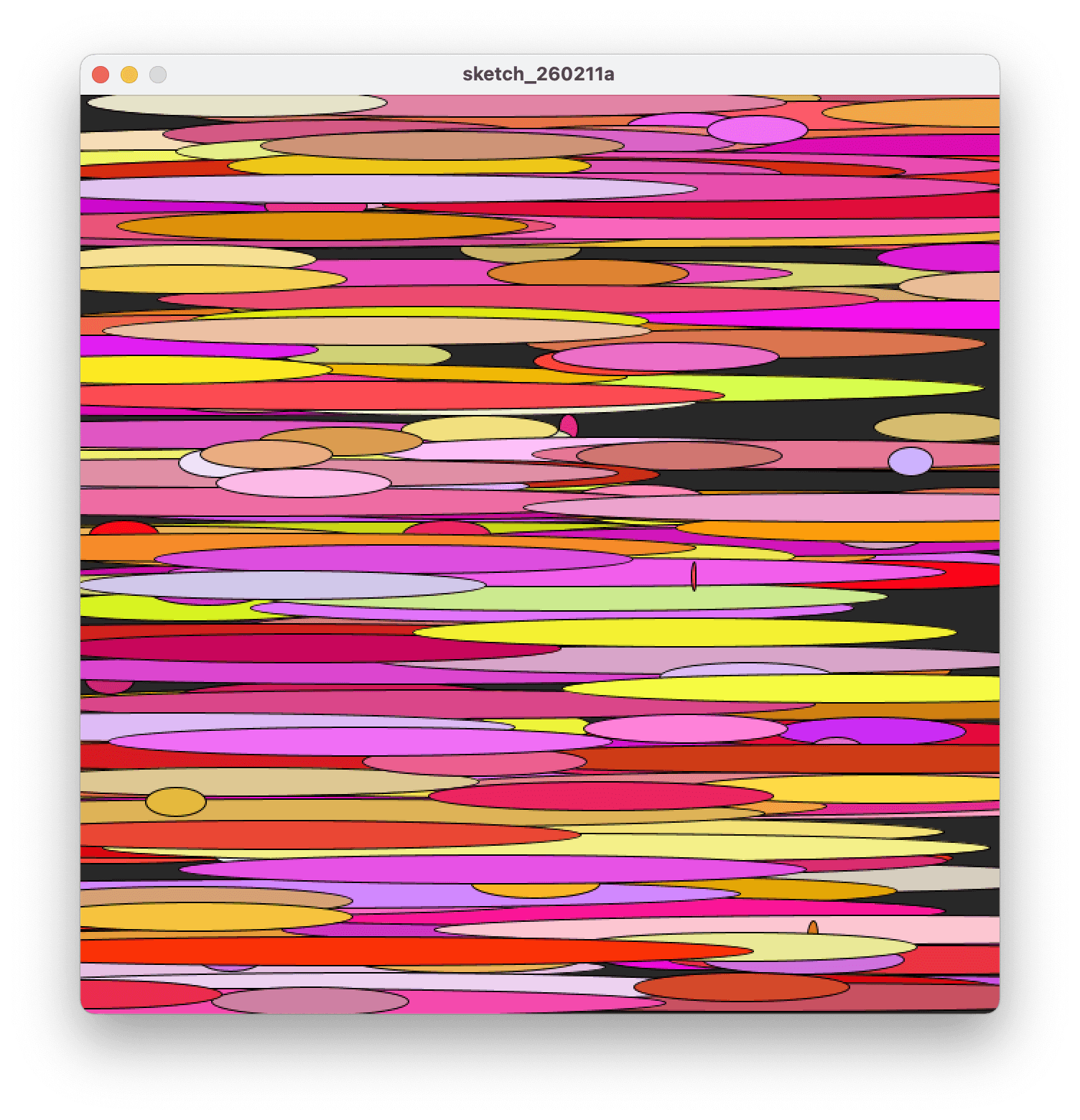
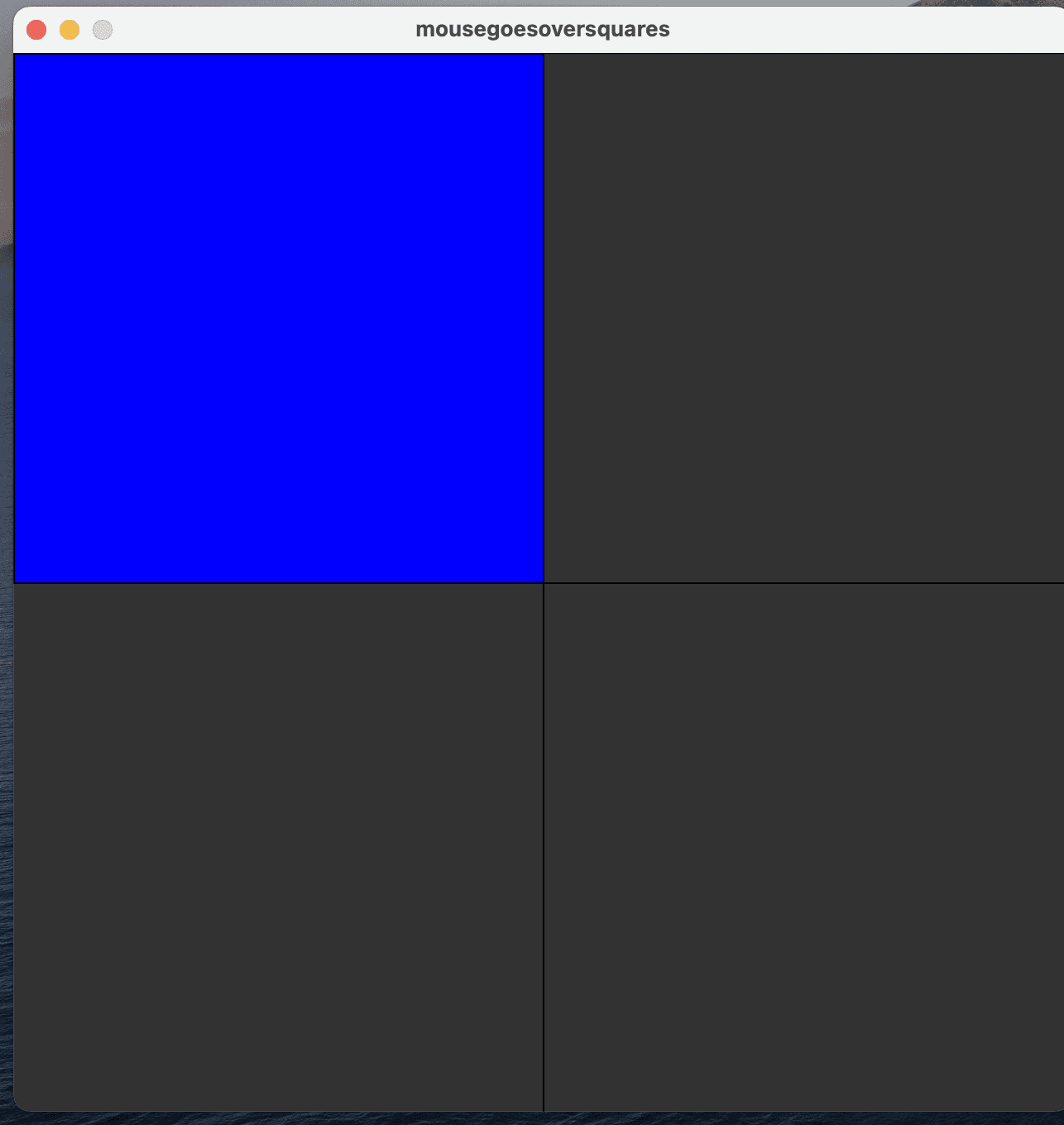
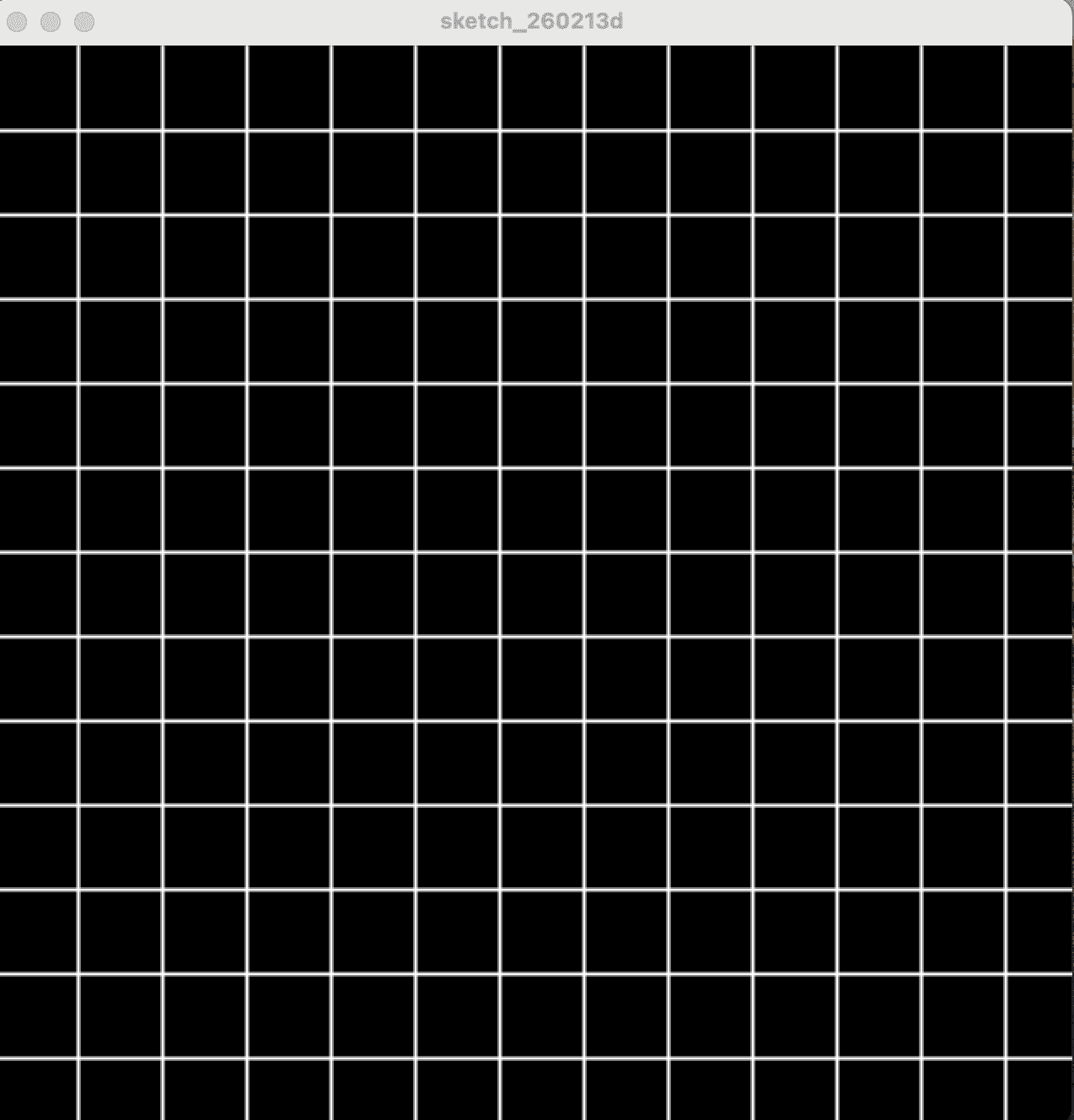
My first sketches were very simple. They were mainly about learning how to create a shape, how to add fill and stroke, and how to make something transparent. It was a basic start, but it forced me to think in code. You can’t just “draw a shape” the way you do in design software; you have to construct it. In chapter two I learned how to draw with the mouse. The mouse could place circles where the cursor was, and that immediately made Processing feel more interactive and playful. It also made ideas pop up about how you could apply this as a tool-like interaction. After that I learned how to draw with a line, and the difference between a normal mouse position and pmouse. This was hard to understand at first, but once I actually put the code into Processing and compared them visually, I could see what was happening. That was true for a lot of things this week: I didn’t fully understand them until I made my own sketches and saw, “okay, if I fill this in instead of that, this is what happens.” That’s when it started to click. Then I learned about randomness. I made sketches where random circles constantly appeared at different positions, and then I experimented with different random values, like width and height, and also color values. This was the first time I felt something like an identity starting to appear, because I limited the colors. For example, I set the colors so they had to stay between RGB values like 200 and 255. That kept it within a palette, which already feels more like something that could belong to an identity instead of pure chaos. Another important topic was the difference between setup and draw. In setup, things are drawn only once; in draw, they repeat constantly, which is where animation happens. I tested the difference by putting the background in setup instead of draw, and you can really see what happens visually. I also have a visual example of this. The next chapter was about if-statements. I applied the logic from the tutorial by dividing my screen into different areas: when the mouse lands in a certain area, that area fills with a color. That helped me understand how interaction can be built from simple logic. At that point I had learned about built-in variables like the mouse variables, but you can also make your own variables in Processing. This makes it easier to control a specific object. One example was making a circle variable, and if you keep updating that variable, you get animation because the circle starts moving. You can see this again in the bouncing ball animation. After that I learned how to make a bouncing ball by checking when the circle hits the edge and then reversing the speed so it moves back to the other side, and then reversing it again. I think I understand this function, but if I had to explain it perfectly step-by-step, I’d still struggle a bit. So I want to practice this more next week, because there’s a lot of logic involved and I sometimes lost the thread. I also learned about the boolean function and what you can do with it. One example was triggering movement by clicking the mouse, but then you couldn’t “unclick” it again, and that’s where booleans come in. It’s basically an on/off switch. This part was still a bit vague to me, but I think it will become clearer once I actually use it in a sketch where I need that behavior. Finally, I made a grid with loops. Instead of manually drawing every line, I drew one line and let it repeat across the screen, which creates the grid. What’s also fun is that you can adjust the spacing with randomness (or other variables), and then it becomes a strange animation again. Everything is still very beginner-stage, and I’m not overflowing with final ideas yet, but I do see progress. I can feel that things are starting to make sense, and that’s motivating.